← All features
Telemetry that runs while you play
The launcher's hardware panel streams real CPU and memory numbers for the game process while a session is running — so "it feels laggy" becomes "memory climbed to 3.8 GB of the 4 GB allocated".
Adaptive allocation
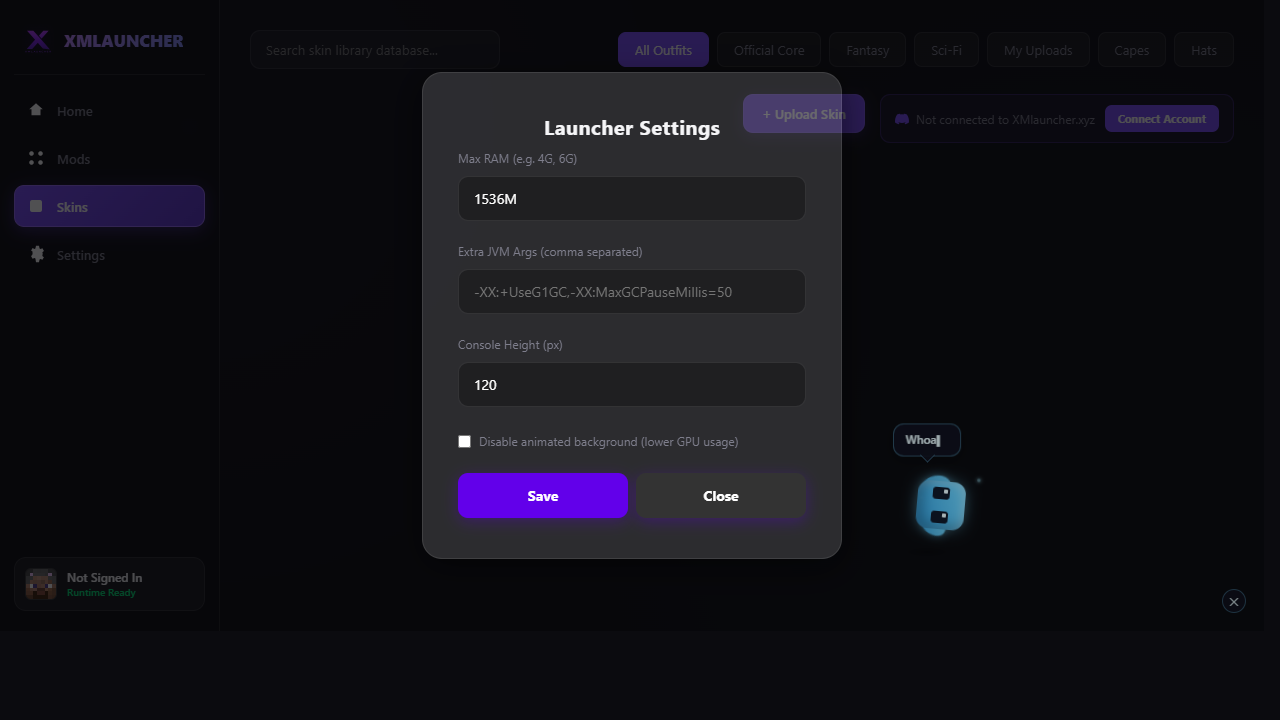
Heap size is computed from three real inputs: your actual installed system RAM, the mod count of the selected profile, and a ceiling that never starves the operating system. Modded instances genuinely need more heap — each mod adds classes, textures and caches — so allocation scales with mod count up to a safe 75% of total RAM.
- Vanilla baseline — a modest 2 GB heap, no waste
- Modded scaling — 3–8 GB depending on real mod count
- Low-end guard — older machines reserve more headroom for the OS
JVM flags that match your setup
The tuner picks a garbage collector for you: generational ZGC on modern versions, a tuned G1GC profile for typical machines, and a low-footprint SerialGC setup on low-end systems — each with the heap region and pause-time flags set to match.
Fixes in one click
When this feature detects the problem, these are the actions it can apply for you.
- Auto-tune RAM now — recomputes heap + GC flags from current hardware and mod count
- Apply performance presets — writes the tuned JVM arguments into your launch settings