← All features
P2P hosting with the plumbing done
Opening a Minecraft server to friends normally means port forwarding, static IPs, or renting a host. XMlauncher's P2P mode tunnels friends straight to your world using UPnP automatic port mapping with a relay fallback when your router refuses — you just host, they just join.
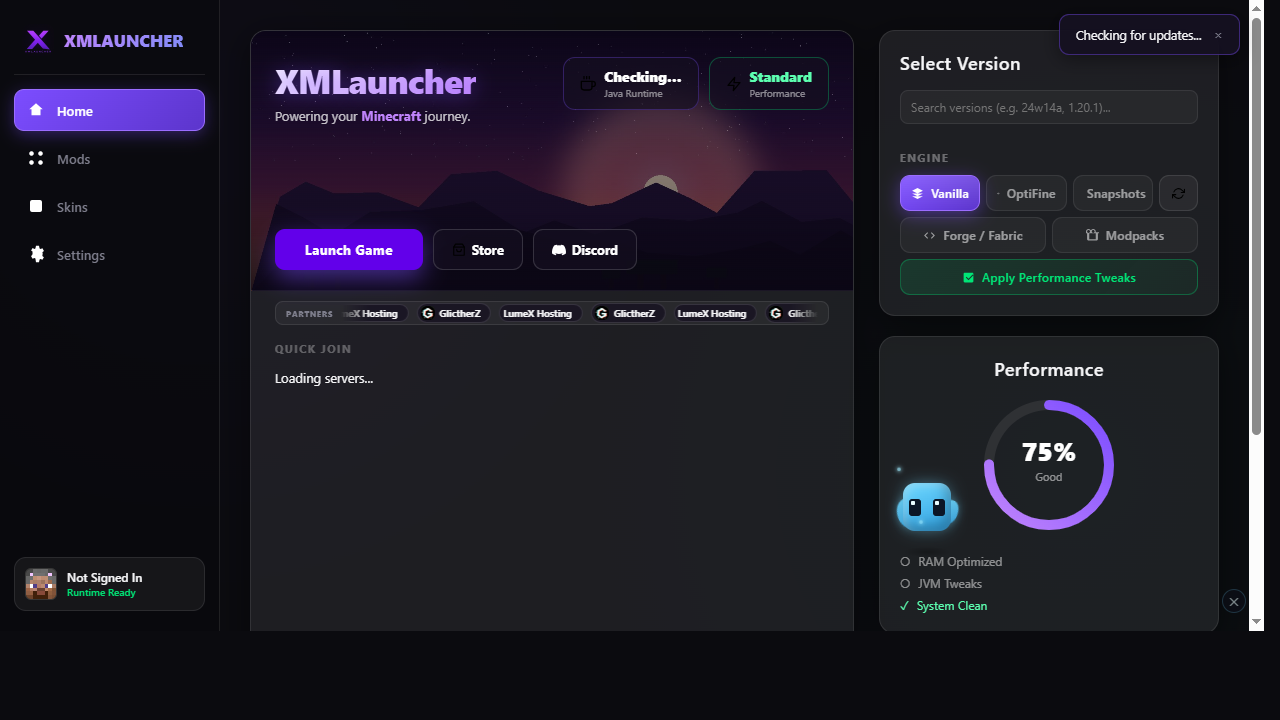
Quick Join
The home screen keeps a live list of servers you can join in one click — no copy-pasting IPs. Pinned favorites surface first, and the list refreshes so entries are current, not stale.
- One-click join — the launcher passes the address straight into the game launch
- Friend list — the people you play with, kept inside the launcher
- LAN discovery — worlds hosted on your network show up automatically
Fixes in one click
When this feature detects the problem, these are the actions it can apply for you.
- Retry NAT traversal — re-runs UPnP mapping or falls back to the relay when hosting fails
- Refresh server list — re-pulls Quick Join entries and LAN advertisements